
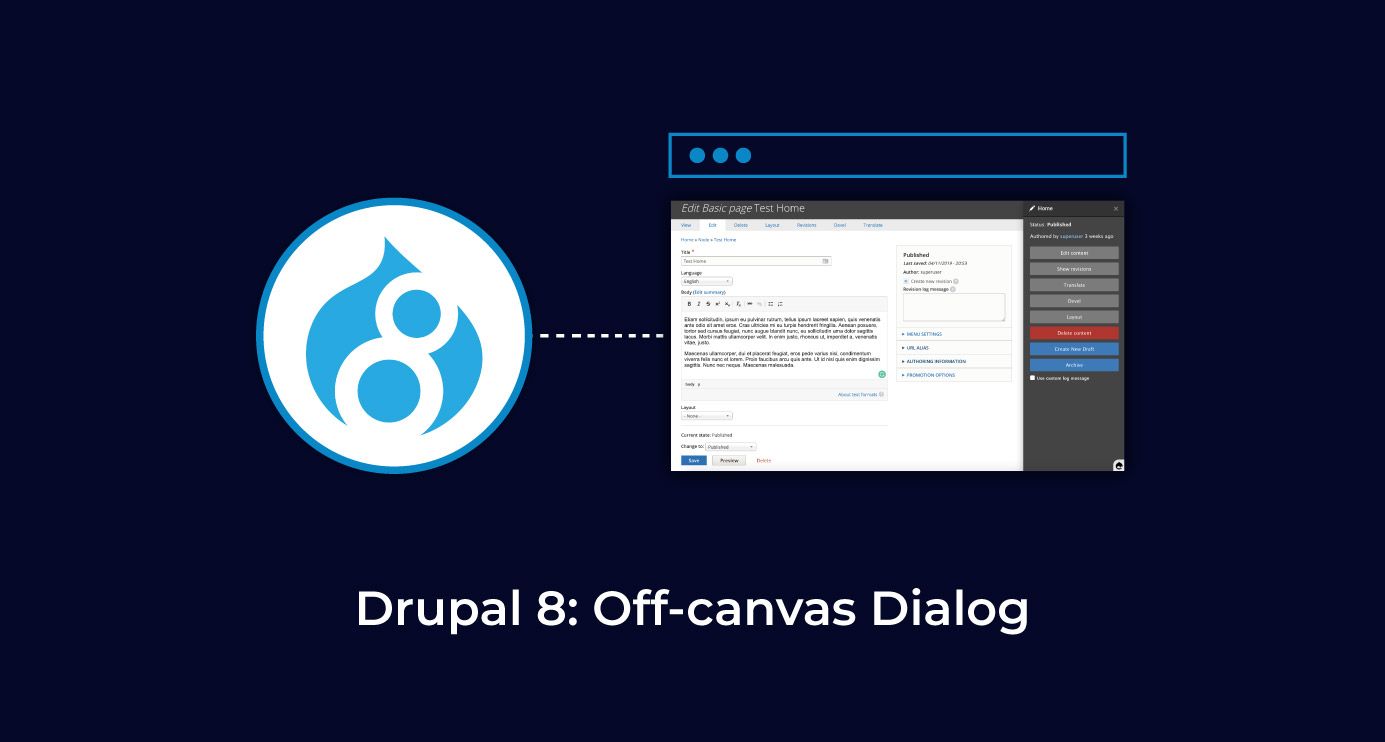
Introduction
With the release of Drupal 8.5, a new feature has been added out-of-the-box: off-canvas dialog support.
What is an off-canvas dialog?
As explained by Drupal founder, Dries Buytaert, “The term "off-canvas" refers to the ability for a dialog to slide in from the side of the page, in addition to resizing the page so that no part of it is obstructed by the dialog.” Basically, it is a simple dialog that makes room for itself on the page.
Below are some examples of how it looks.
Check out the Layout Builder module of Drupal.
Check out the Content Moderation module’s sidebar.
Doesn’t it look beautiful? Recently I came across a requirement where I got the chance to try my hands on the off-canvas dialog.
In my case, I had to display the referenced node on the display of the main (parent) node when the user clicked on the link of the referenced node. Apart from that, one of the requirements was to be able to access all the existing content of the parent node. The traditional pop-up would have blocked much of the content they needed to see. That’s why the off-canvas was a perfect fit.
Here’s how I did that.
The code below is just a renderable array. You can put it in your custom module, for example, in a form, to display it. The form implementation is not explained here and is not within the scope of this article.
This is how you can create the off-canvas link.
In my case, I wanted to open a referenced node in the off-canvas on a node.
In the code chunk above, only the '#attributes' converts the simple link into the off-canvas link. Let’s break the attribute down to understand:
Use-ajax:a necessary class for off-canvas dialog.
'data-dialog-type' => 'dialog': to open the link in a dialog.
(The other option you can specify is modal. I have not used modal as it restricts interaction with the current page until the modal dialog is closed, which is the opposite of my requirement.)
'data-dialog-renderer'='off_canvas':To render the dialog in an off-canvas way. If the value of it is not provided, it will render the dialog in a simple pop-up way.
'data-dialog-options': is an optional parameter and we can use it to overwrite the default off-canvas dialog properties.
"title" => "Some Title": This specifies the title of the dialog box. If not provided, it will take the title of the link. (In some cases, “array” is displayed as title; this option is useful in that case.)
"width" => "30%": This specifies the initial width of the dialog box. Note that you can increase or decrease the width by dragging the edges of the box.
Now, the off-canvas dialog is ready and this is how it looks.
Now, you’re ready to create a dialog just by adding some attributes to the link.
Bring this dispatch into a working session - one page in, scoping memo out.
Brief Foyer